
 Official KolaCash app · iPhone and Android
KolaCash app: sell gift cards on iPhone and Android
KolaCash is the gift card app from KolaCash Limited — the same company that operates SellCardNow. Check a quote, submit your card, follow the order and withdraw to your local account from your phone.
iOS 15 or later · Android · English and French · Version française
Who is behind KolaCash?
SellCardNow and KolaCash are two products of one company: KolaCash Limited, registered in Hong Kong (CR No. 78258768).
SellCardNow is the website you are on now. KolaCash is the company’s mobile app. The same team reviews the cards and sends the payouts, so you can download the app and trade there with the same confidence.
The app is published under the name “KolaCash”. On the App Store, check that the developer shown is KolaCash Limited. The Android file is downloaded from the official website kolacash.com.
How to verify the company →From a quote to money in your account
- 1
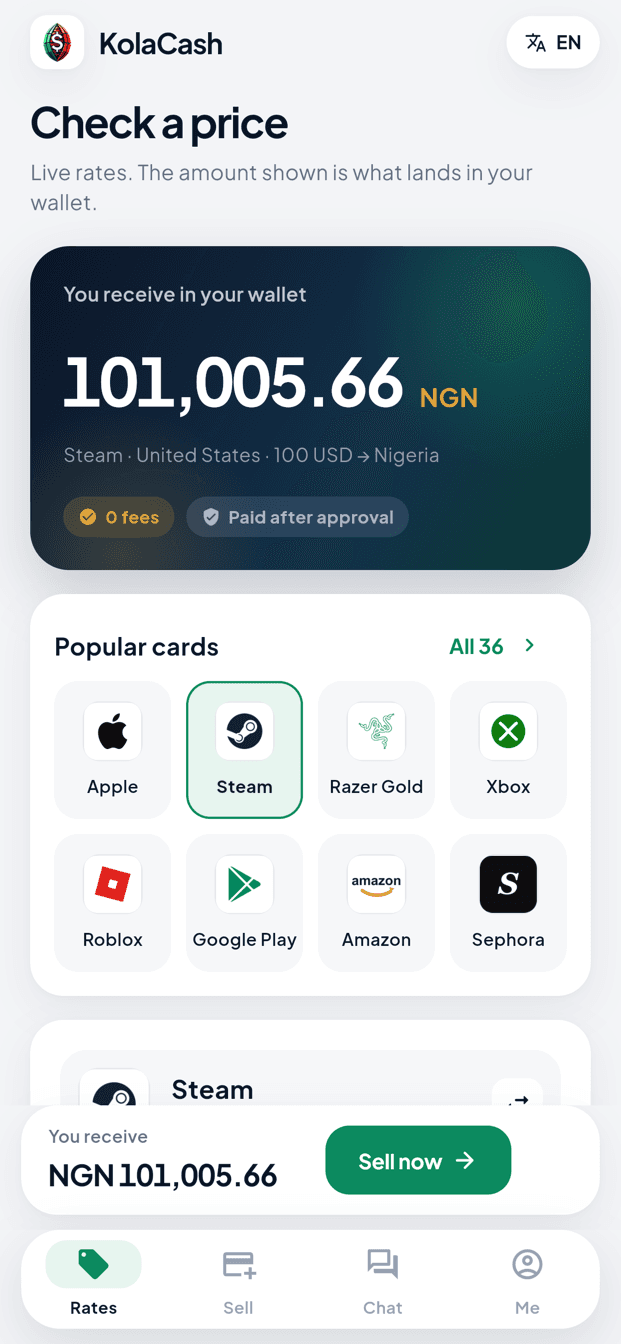
Check a quote
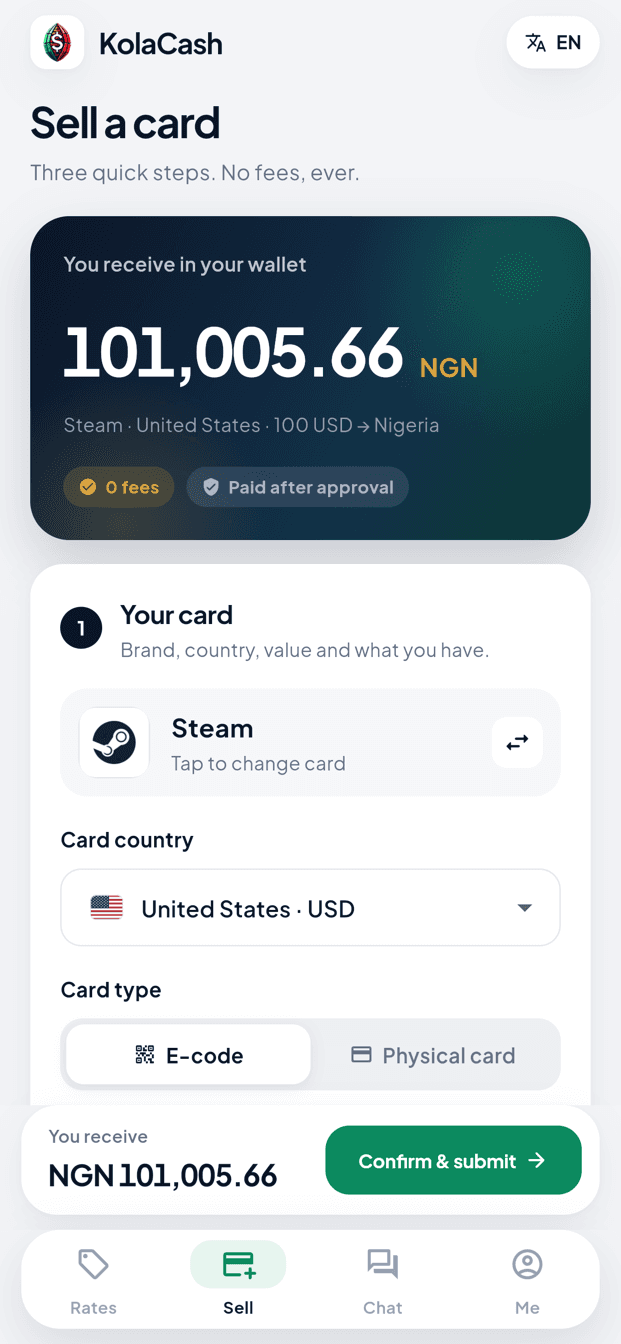
Choose the card, its region, format and value, then the payout country. You see the quote before you sign in.
- 2
Submit your card
Sign in with your phone number and send the card details and photos that are requested.
- 3
Follow your order
See review progress in the app. If the price changes, nothing is paid until you accept it.
- 4
Withdraw
An approved order is credited to your wallet. Request a withdrawal to your bank or mobile money account and follow its status.
See the KolaCash app
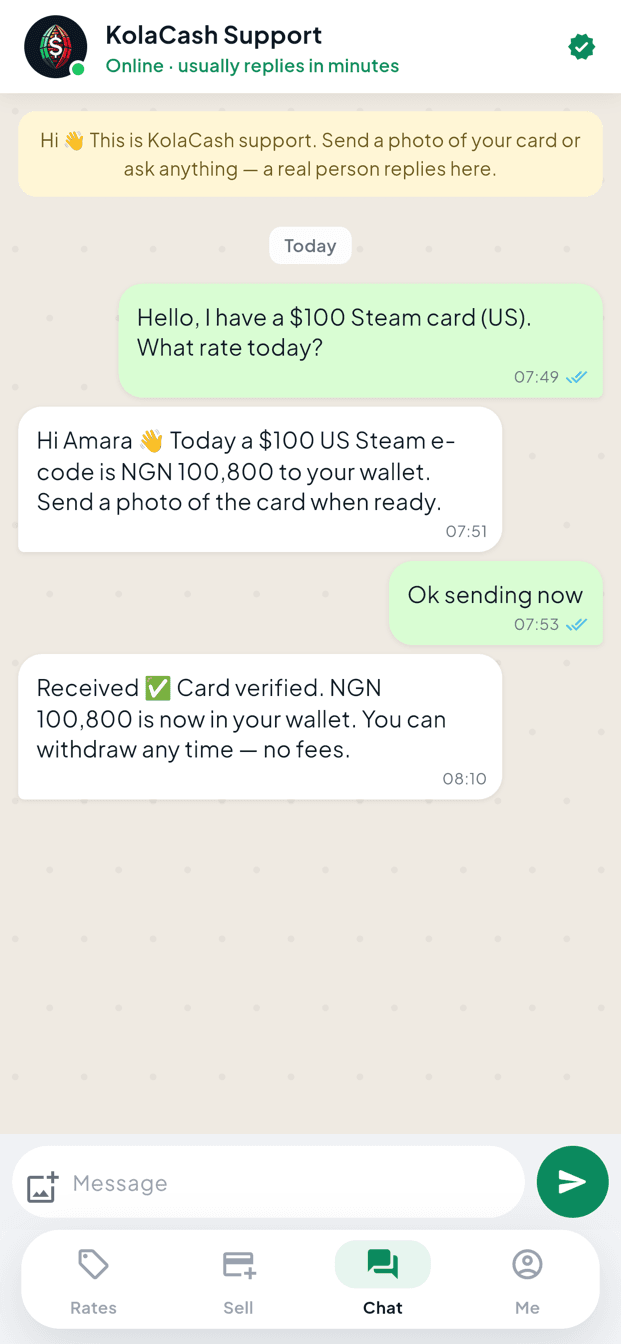
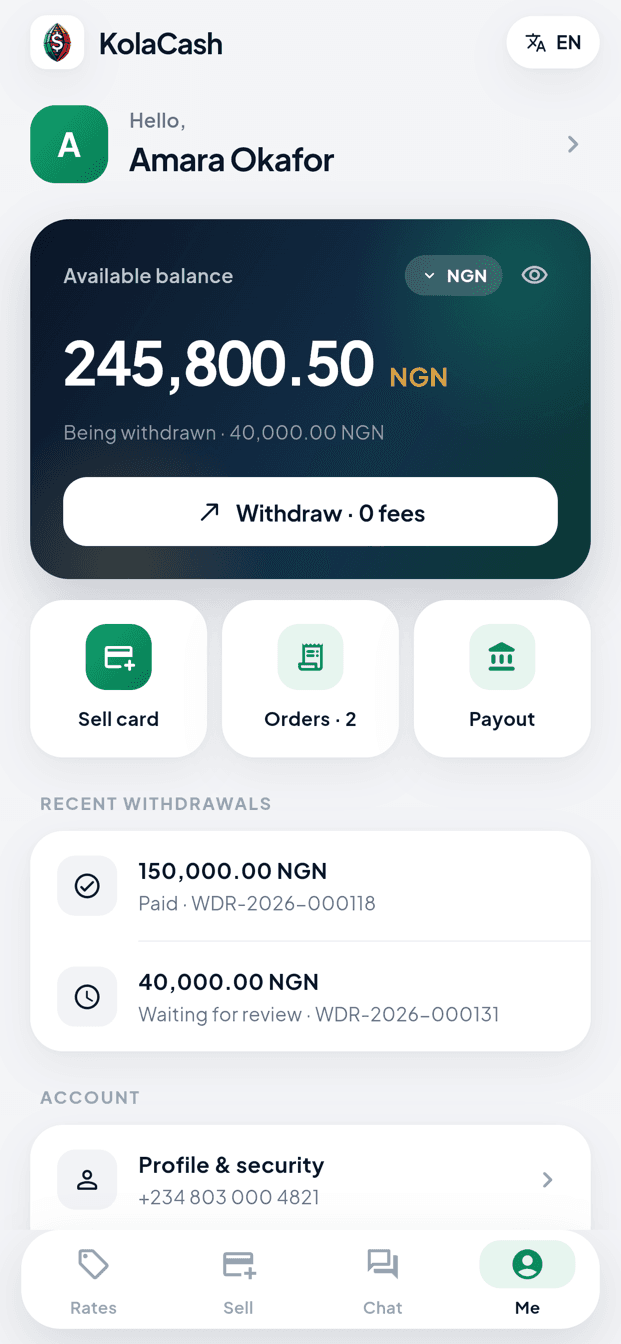
Interface examples from the current App Store listing. Amounts, orders and conversations shown are demonstration data, not current quotes.
Payout markets in the app
- Bénin · XOF
- Côte d’Ivoire · XOF
- Cameroun · XAF
- Ghana · GHS
- Kenya · KES / M-PESA
- Nigeria · NGN
Payout options depend on your account. Check the options shown in the app before you submit a card.
Installing on Android
- Tap “Download for Android”. The file KolaCash.apk is downloaded from kolacash.com.
- Open the downloaded file. If your phone asks, allow your browser to install apps from this source.
- Tap Install, then open KolaCash and sign in or create your account.
Questions about the KolaCash app
Is KolaCash the same company as SellCardNow?
Yes. Both are operated by KolaCash Limited, a company registered in Hong Kong. SellCardNow is the website and KolaCash is the mobile app.
Can I use my SellCardNow account in the KolaCash app?
KolaCash accounts are separate. Create your KolaCash account in the app with your phone number; you can verify it by WhatsApp or Telegram.
Is the KolaCash app free?
Yes. Downloading the app and checking a quote are free.
Why is the Android app downloaded from the website?
The Android version is distributed as a file from the official website kolacash.com. Only download it from kolacash.com or from the buttons on this page.
Can I still sell on the SellCardNow website or WhatsApp?
Yes. The website rate checker and the official WhatsApp remain available. The app is an additional way to sell and follow your orders.
Download KolaCash
Choose your phone. You can check a quote before you create an account.
Prefer the website? Check today’s rates →